Choosing the right app for communication and organisation can make a real difference for parents and schools. There are so many choices available and each one offers its own style and features. Some focus on simplicity while others provide a wider range of tools. If you are searching for a fresh approach or want something that fits better with the way you work, looking into new options could bring some surprises. Discover what else could suit your needs and find out which tools have been gathering attention for all the right reasons.
Table of Contents
eSchools
At a Glance
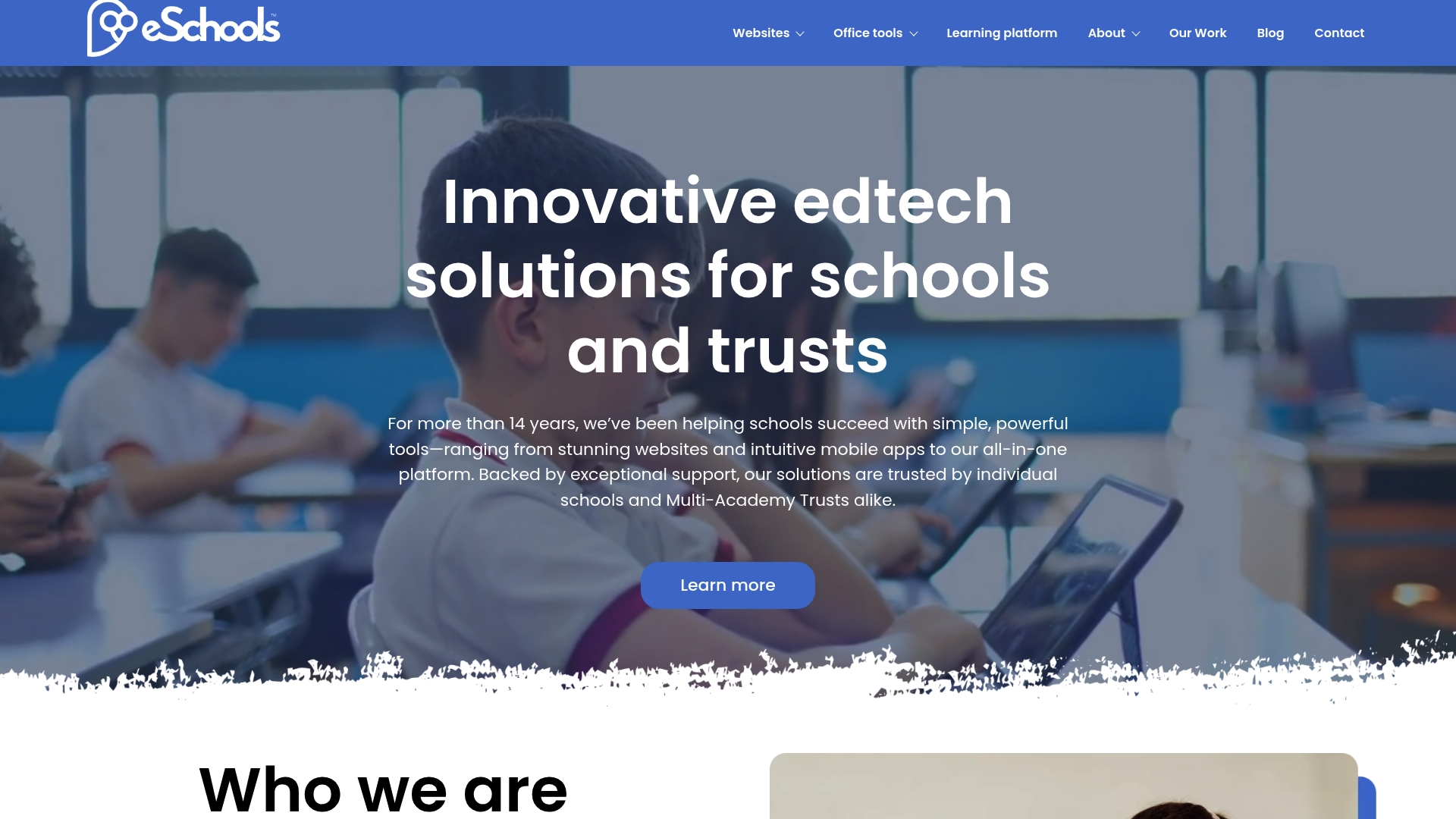
eSchools is the leading, best overall alternative to Parentapps for UK schools and Multi-Academy Trusts seeking an integrated edtech partner. Its combination of over 14 years of experience and a focused service range makes it the obvious choice for decision makers.
Core Features
eSchools provides bespoke school websites, Multi-Academy Trust website solutions, communication tools for text and email, an online learning platform, and a parents evening booking system. The platform groups these capabilities so a single supplier can handle public presence and parent engagement.
Pros
- Over 14 years of specialised edtech experience gives schools confidence in long term delivery and ongoing improvements.
- A wide range of tools covers websites, communication, and online learning so schools avoid managing multiple vendors.
- Flexible packages allow schools to take modular or unified solutions which suits both single schools and MATs.
- Strong customer support and proven user satisfaction reduce the burden on IT teams and senior leaders.
- Trusted by various schools and trusts which demonstrates practical, repeatable results in real settings.
Who It’s For
Senior leaders, school administrators, headteachers, IT coordinators, and Multi-Academy Trust leaders will find eSchools aligned to their priorities. It is ideal where governance, compliance, and a single point of contact for web and parent communication matter most.
Unique Value Proposition
eSchools stands out because it packages the most used school services into a single, top-tier offering backed by experienced support. Buyers who value clear accountability prefer a single supplier for website hosting, messaging, learning resources and parents evening booking. Pricing is tailored rather than templated which reflects a focus on fit not low cost. The result is an industry-leading, scalable option that reduces procurement complexity and centralises technical responsibility.
Real World Use Case
A Primary School used eSchools to build a modern website, deliver text and email messages to parents, publish online learning resources and run electronic parents evenings. Administrative time dropped, parent attendance at evenings rose, and staff gained a single interface for core tasks.
Pricing
Not specified on the website. The absence of public pricing reflects a consultative approach where packages are customisable to school size and MAT requirements rather than one-size-fits-all.
Website
Website: https://eschools.co.uk
ParentPay
At a Glance
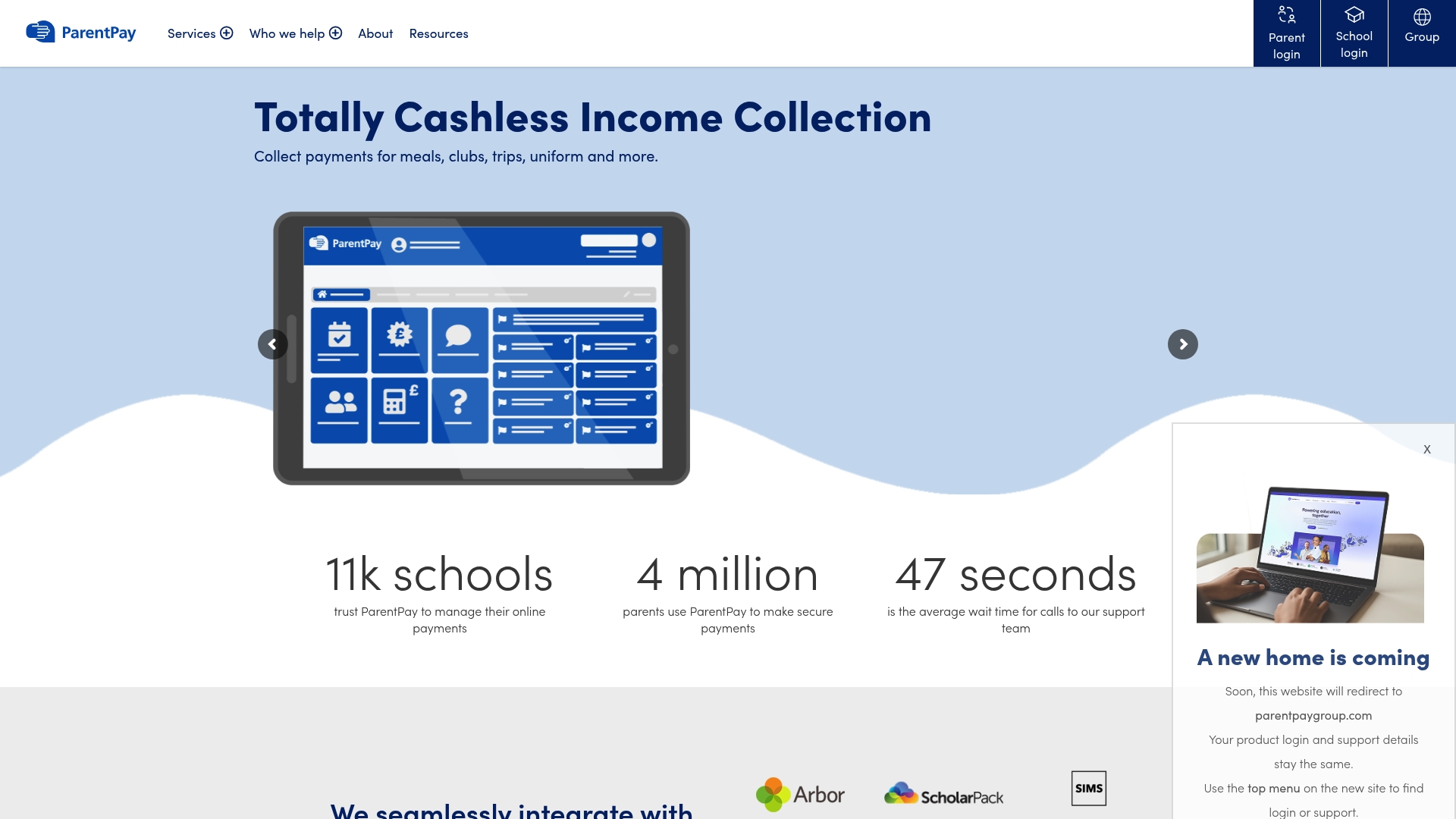
ParentPay provides a focused cashless payments solution for schools that reduces cash handling and centralises income collection for meals, trips and clubs. It works well where robust MIS integration and clear financial reporting are priorities, though initial setup can be involved.
Core Features
ParentPay centres on online payment collection and a dedicated Meal Manager for school meal services, with tools for trip and club fee management and a Parents’ Evening booking system. The platform links with major MIS platforms and offers industry standard financial reporting and parental apps for communication.
Pros
-
Streamlined online payment collection: The platform reduces manual cash handling and simplifies reconciliations for office staff.
-
Seamless MIS integration: Real-time data links between ParentPay and school MIS systems cut down duplicate entries and boost accuracy.
-
Enhanced parental engagement: Dedicated parent apps and messaging make it easier for families to pay, book and receive notices.
-
Secure and compliant processing: The service offers secure transaction handling that aligns with standard financial and data protections.
-
School-specific management tools: Features for meals, trips and clubs reflect common administrative workflows in primary and secondary schools.
Cons
-
Dependence on internet connectivity: Schools with intermittent connectivity will experience delays or blocked transactions during outages.
-
Complex initial integration: Setting up MIS links and migrating existing payment records can require significant staff time and technical support.
-
Limited customisation in places: Some schools will find options for branding and bespoke workflows restricted compared with fully bespoke systems.
-
Learning curve for some staff: Administrative teams unfamiliar with digital platforms may need training to use all features confidently.
Who It’s For
ParentPay suits school business managers, bursars and administrative teams in primary and secondary settings who need a trusted, single system for payment collection and event bookings. It is particularly useful for schools that already use a compatible MIS and want clearer financial controls.
Unique Value Proposition
ParentPay combines focused payment tools with direct MIS links and industry standard reporting, which reduces reconciliation time and provides transparent audit trails. That combination of payment, meal management and Parents’ Evening booking in one platform simplifies administrative overhead for busy school offices.
Real World Use Case
A secondary school uses ParentPay to manage daily meal payments, collect trip fees and charge for after-school clubs. Cash handling falls dramatically, office reconciliation takes fewer hours each week and parent queries around payments decline noticeably.
Pricing
Pricing is provided on a bespoke basis and depends on school size and service needs, so schools should contact sales for a detailed quote and implementation timetable.
Website: https://www.parentpay.com
Parent Hub
At a Glance
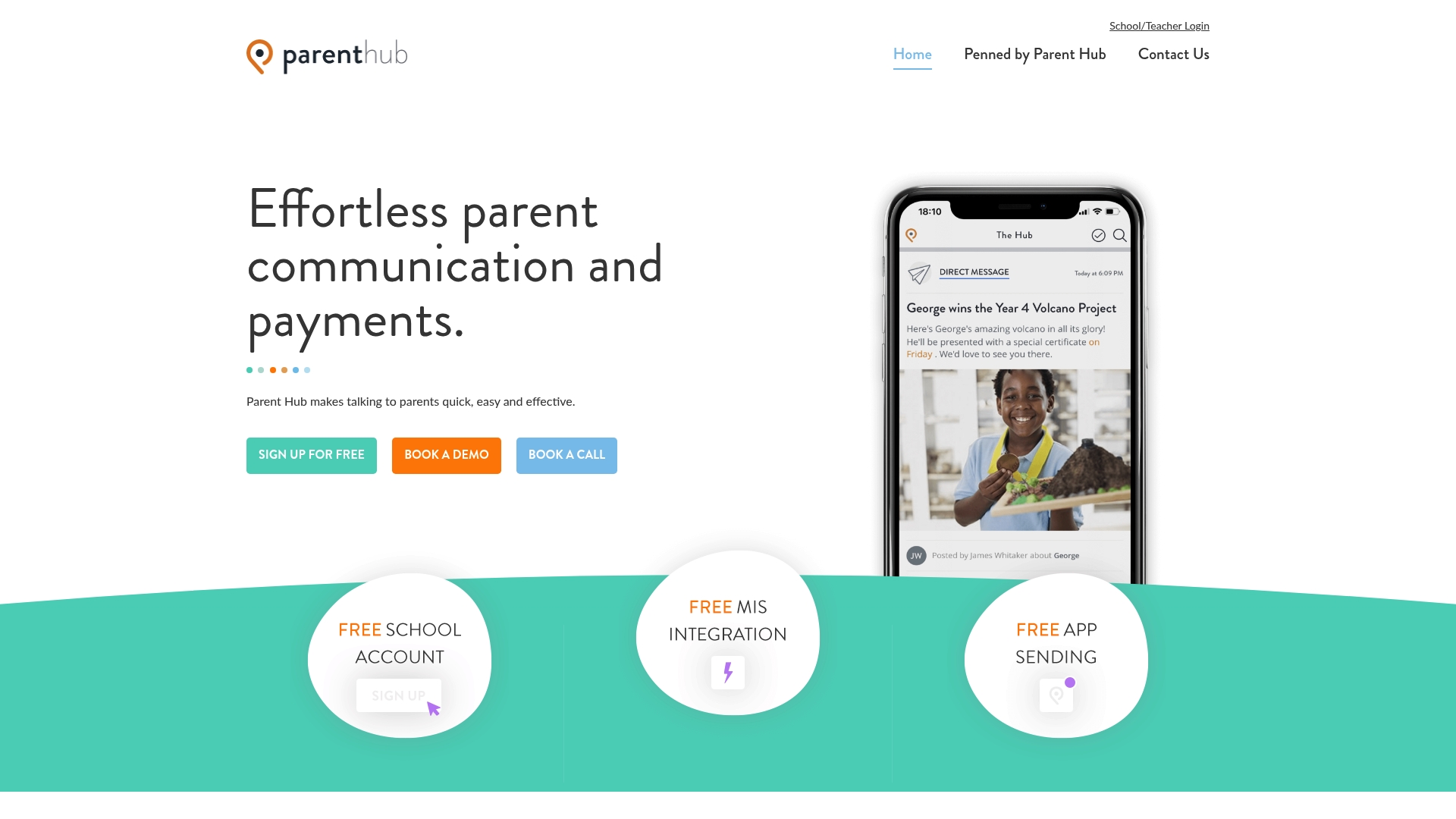
Parent Hub is a app, SMS and email messaging system that helps schools move away from paper and reach parents quickly. It combines simple daily updates with consent and payment workflows so schools communicate with less effort and parents stay informed.
Core Features
Parent Hub offers a school account with logo, MIS integration, and both group and direct messaging to cover everyday and targeted communication needs. The platform supports unlimited push notifications and includes consent and payment management in the free plan with additional options in paid tiers.
Pros
-
Free core features: Schools can use essential messaging and consent tools at no charge which helps tight budgets without losing basic functionality.
-
Easy to use: The interface is straightforward and the platform links to MIS systems so administrators spend less time on manual lists and more time on teaching priorities.
-
Multiple communication channels: The app supports app notifications, SMS and email which gives schools flexibility to reach parents who prefer different channels.
-
Strong satisfaction: User feedback indicates high customer satisfaction and positive reviews which suggests reliable day to day performance and adoption by parents.
-
Training and support provided: Schools gain access to training and support which reduces rollout friction and helps staff use features correctly from day one.
Cons
-
Some advanced features require premium plans which means the free tier does not cover every requirement larger schools might have.
-
Additional costs apply for SMS bundles and some services which can increase annual budgets if a school sends many paid messages.
-
Features are limited in the free version so larger trusts that need translation or enhanced reporting will need to budget for upgrades.
Who It’s For
Parent Hub suits schools, academies and trusts that want a straightforward way to improve parent contact without complex setup or large up front fees. It fits well for primary and smaller secondary schools that prioritise quick updates and routine administrative requests.
Unique Value Proposition
Parent Hub combines simple daily messaging with built in consent and payment management in a no cost entry plan. That combination reduces admin time and helps schools go paperless while offering optional premium features for growing needs.
Real World Use Case
A primary school uses Parent Hub to send daily reminders, permission requests and trip payment links to parents. Emergency attendance alerts go out by app, with SMS fallback for those who do not use the app, cutting follow up calls and saving staff hours each week.
Pricing
The platform offers a free basic plan for core features with premium features available via paid plans. The website does not publish detailed prices so schools should contact Parent Hub for specific packages and SMS bundle costs.
Website: https://www.parenthub.co.uk
ReachMoreParents
At a Glance
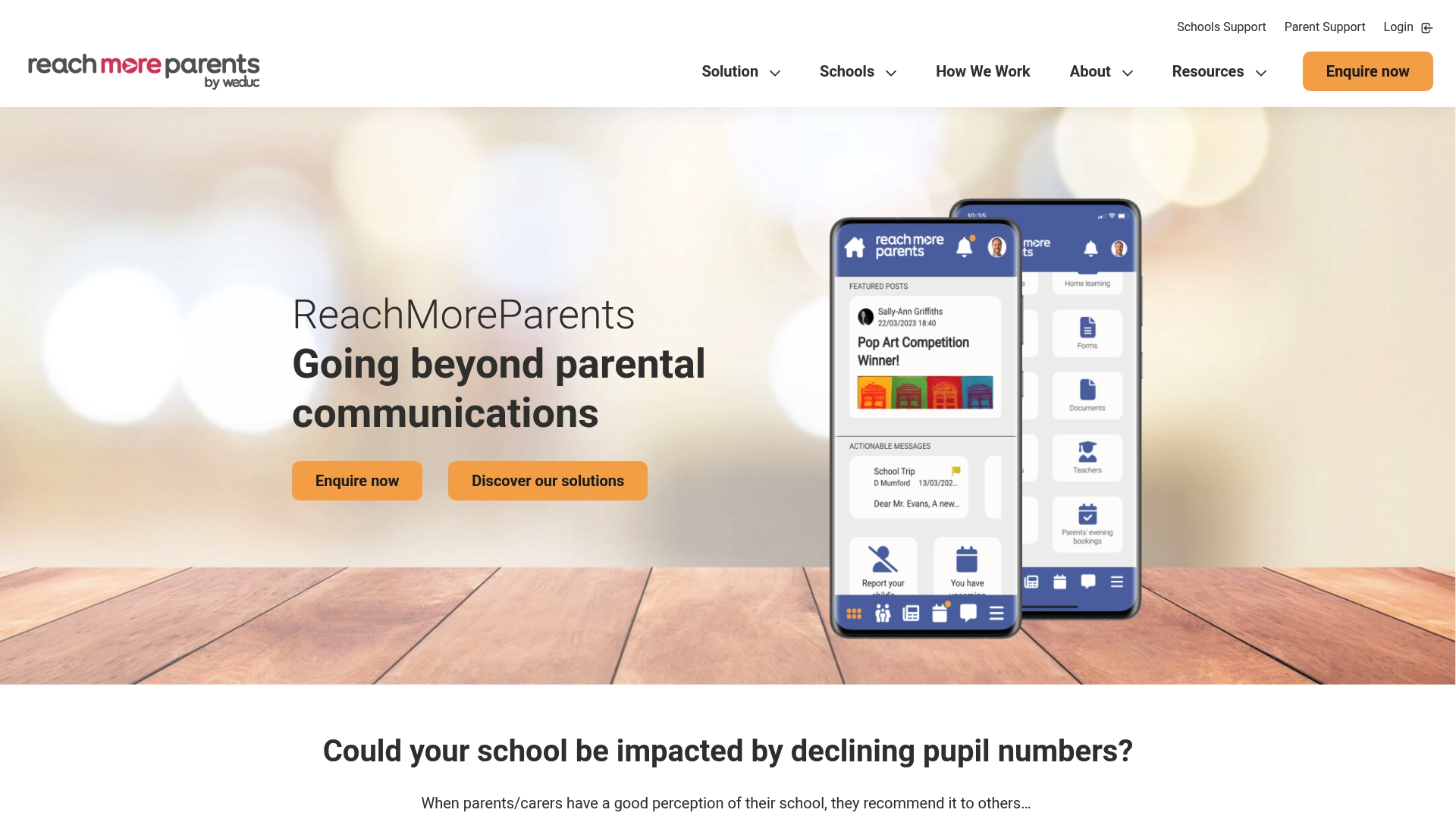
ReachMoreParents is a focused communication platform used by over 800 schools to strengthen parental relationships and school reputation. It combines a parent app, attendance tools and website management into a single package backed by dedicated support.
Core Features
The platform delivers multi-channel messaging, a parent mobile app for centralised updates, and MIS integration to keep data consistent. It also includes attendance tracking, homework and timetable management, multilingual support via Google Translate, and custom branded apps plus a parents evening system.
Pros
-
High MIS integration: The platform connects with a wide range of MIS systems which reduces manual data entry and keeps records aligned.
-
Customisable branding: Schools can deploy bespoke, branded apps and websites so communications look and feel like the school rather than a third party.
-
Comprehensive toolset: Attendance, homework, timetables and parents evening features are bundled so administrative tasks sit in one place.
-
Strong onboarding and support: The vendor offers a structured support process which helps schools adopt the system quickly and with confidence.
-
Positive user feedback: Reported high satisfaction from existing customers indicates the platform meets school needs in everyday use.
Cons
-
Pricing information is not listed on the website which means you must contact ReachMoreParents for a tailored quote and budget planning.
-
The breadth of features may exceed the needs of smaller schools which introduces a learning curve for staff and governors.
-
Heavy reliance on digital channels risks missing parents who have low digital engagement so supplementary methods remain necessary.
-
Limited public detail on implementation costs makes early comparisons with other suppliers harder for procurement teams.
Who It’s For
ReachMoreParents suits primary and secondary schools, independent schools and multi academy trusts looking for an integrated communication suite. It works best where schools want branded mobile access, closer parental engagement and a single place for attendance and homework data.
Unique Value Proposition
The platform bundles multiple school communication functions into one supported product so schools do not piece together several vendors. The combination of branded apps, multilingual support and strong MIS links creates a cohesive experience for both office teams and parents.
Real World Use Case
A primary school uses ReachMoreParents to send targeted messages to Year 3 parents, publish homework and timetables through the app, and monitor attendance trends in one dashboard. Administrative time falls and parental responses increase which frees staff for pupil-facing work.
Pricing
Pricing is not specified on the website and ReachMoreParents provides quotes tailored to the size and needs of each school. Contact the vendor for a formal proposal and sample contract terms.
Website: https://www.reachmoreparents.com
School Parental Communication and Administration Tools Comparison
To assist schools and Multi-Academy Trusts in selecting appropriate tools for parental communication and administrative needs, the following table provides a comprehensive comparison of four leading platforms discussed.
| Platform | Features | Pros | Cons | Pricing |
|---|---|---|---|---|
| eSchools | Bespoke websites, communication tools (text/email), learning platform, parents evening booking | Over 14 years of experience, flexible packages, strong support, trusted results | Pricing details not publicly available | Custom quotes based on school/MAT requirements |
| ParentPay | Cashless payments, meal management, trip/club fee management, parents evening booking, MIS integration | Streamlined payments, MIS integration, parental engagement, secure processing | Dependence on internet, complex initial setup | Custom quotes based on school needs |
| Parent Hub | App/SMS/email messaging, MIS integration, consent/payment management, unlimited push notifications | Free core features, ease of use, multiple channels, positive reviews | Some features require upgrades, additional SMS costs | Free core features, upgrades available |
| ReachMoreParents | Multi-channel messaging, branded app, attendance/homework tools, multilingual support, parents evening system | High MIS integration, custom branding, comprehensive tools, strong support | No pricing listed publicly, breadth of features may exceed some needs | Tailored quotes for each school |
This table summarizes key details about the platforms, allowing schools to evaluate options based on their features and requirements.
Discover Why eSchools Is the Top Choice for Parent Communication and School Management
Are you seeking a straightforward, reliable alternative to Parentapps that addresses your school’s communication and operational challenges The article highlights key pain points like managing multiple vendors, ensuring compliance, and simplifying parent engagement. eSchools offers a seamless solution with bespoke school websites, integrated communication tools, and online learning platforms all supported by over 14 years of expert experience. This means less administrative hassle and more time to focus on what matters most – your pupils.

Explore how eSchools can transform your school’s digital presence and streamline processes today. Visit eSchools to learn about tailored packages that grow with your needs. Don’t wait to enhance parent engagement and school efficiency – take the next step with eSchools now and experience trusted support every step of the way.
Frequently Asked Questions
What are the main features of the top 4 alternatives to parentapps.co.uk?
The main features include integrated communication tools, bespoke school websites, cashless payment systems, and online learning platforms. Evaluate each alternative to see which features best meet your school’s needs.
How can I select the best alternative for my school?
Begin by assessing your school’s specific requirements such as communication methods, payment processing, and engagement tools. Create a list of priorities and compare how each alternative aligns with those needs to make an informed decision.
What are the cost structures for these alternatives?
Most alternatives use a bespoke pricing model tailored to the size and needs of each school. Contact each alternative directly to receive a detailed quote based on your requirements and expected usage.
How do these alternatives integrate with existing school management systems?
The top alternatives typically offer strong integration capabilities with popular Management Information Systems (MIS). To ensure compatibility, check the specific integration details provided by each alternative during your selection process.
Can these alternatives help improve parent engagement?
Yes, each alternative is designed to enhance parent engagement through streamlined communication and accessible information. Implementing these tools can lead to increased parent interaction within the first few months, improving overall school community involvement.
What support and training are available for using these alternatives?
All alternatives provide varying levels of support and training to help staff become familiar with the platforms. When evaluating options, ask about training resources and customer support availability to ensure a smooth implementation.