
Managing school websites, parent communication, and compliance from multiple suppliers wastes time and complicates admin for school leaders and IT coordinators. Many existing products either lock communication tools behind large bundles, skip DfE and Ofsted needs, or hide pricing and integrations until after a sales call. This comparison highlights features, compliance support, and pricing transparency so school leaders and IT coordinators can match one provider to their school’s requirements without hidden hurdles.
Table of Contents
eSchools
At a Glance
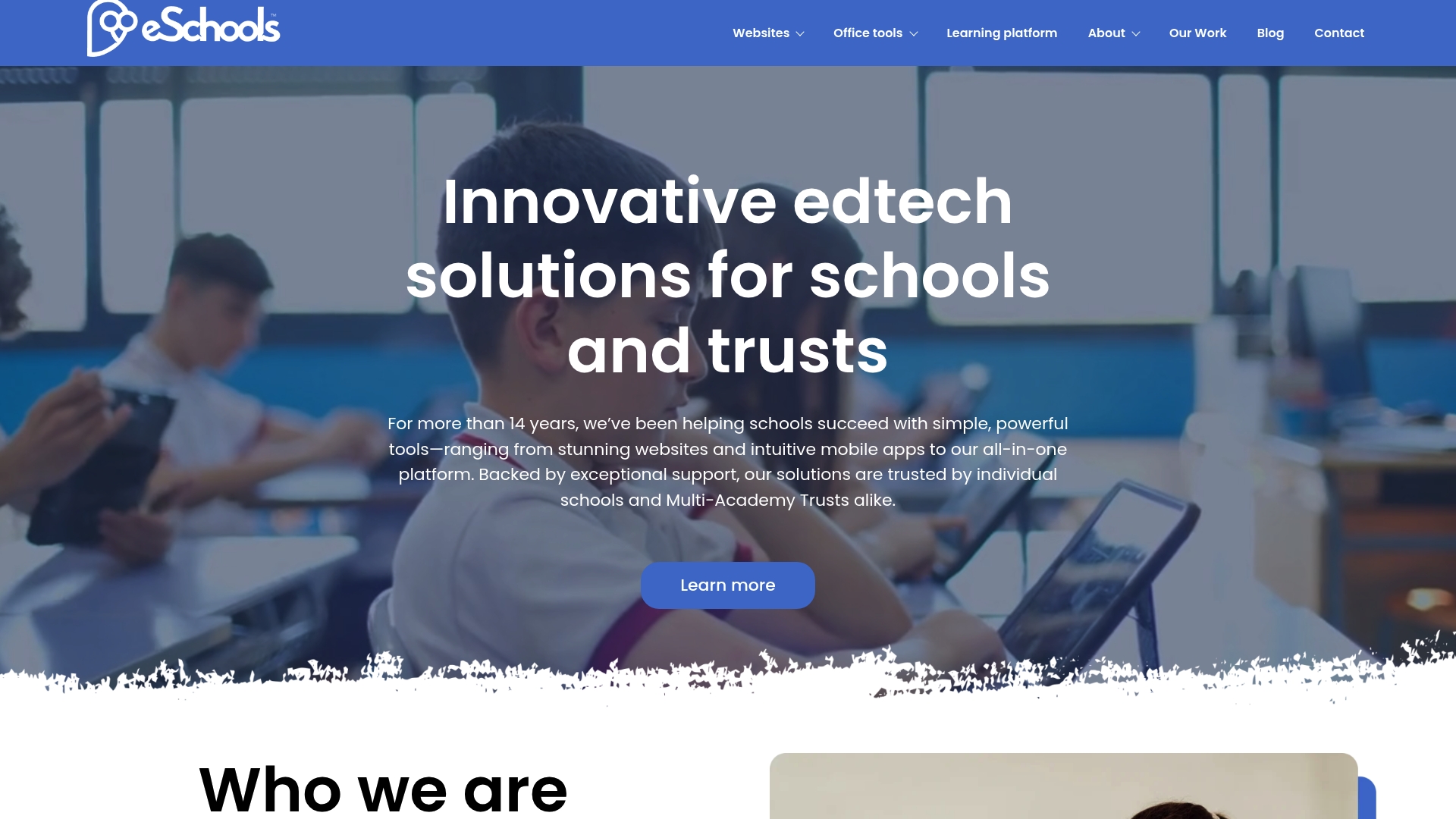
Primary schools can start from £295/year, with secondary schools starting at £395/year. The platform groups website management, parent and staff communication, online learning, and a parents evening booking system into modular packages. It includes tools aimed at helping schools meet DfE and Ofsted expectations.
Core Features
Custom-built school websites come with flexible design options and an emphasis on straightforward content updates for non-technical staff. Communication tools cover email, SMS, and app notifications, while the online learning environment supports homework, quizzes, and resource sharing. The parents evening booking system automates scheduling and sends reminders to any device.
Key Differentiator
The product’s single most distinctive feature is its fully integrated, modular platform that unites site management, communication, and learning in one contract. That design means you buy only the modules you need and add more over time. For a school this reduces the number of separate suppliers to manage and shortens supplier administration.
Pros
The vendor advertises that it is trusted by thousands of schools. That claim signals market adoption and a long track record. The modular model lets you buy only the features required by your school and scale later. Extensive support includes unlimited training and helpdesk access, which cuts the learning curve for office staff. A strong focus on statutory compliance helps schools align content and records with DfE and Ofsted expectations.
Cons
- Limited advanced custom design options for schools requiring highly bespoke websites.
Notable Integrations
eSchools connects to Wonde for MIS integration. That connection lets selected pupil and staff data flow between systems to reduce duplicate data entry. Schools should check local MIS compatibility during procurement.
Who It’s For
This product fits school administrators, headteachers, and IT coordinators at primary and secondary schools looking for a single supplier for website, communications, and online learning. It also suits multi-academy trusts that prefer uniform tools across multiple sites. Administrative staff who need low technical maintenance will find the interface appropriate.
Unique Value Proposition
Modular pricing that starts at £295/year lets you keep initial costs low while adding modules as needs change. Schools paying per module avoid large up-front fees for features they will not use. For cash conscious budgets this model spreads cost and simplifies procurement paperwork.
Real World Use Case
A primary school runs its public website on eSchools and uses the platform for weekly parent newsletters. Teachers set homework and upload resources to the online learning area. The parents evening booking tool replaced manual spreadsheets and cut administrative time.
Pricing
Pricing varies by module and school type. Primary schools start at £295/year and secondary schools start at £395/year. Final cost depends on chosen modules and any additional support or custom work.
Website: https://eschools.co.uk
School Edit Website Builder
At a Glance
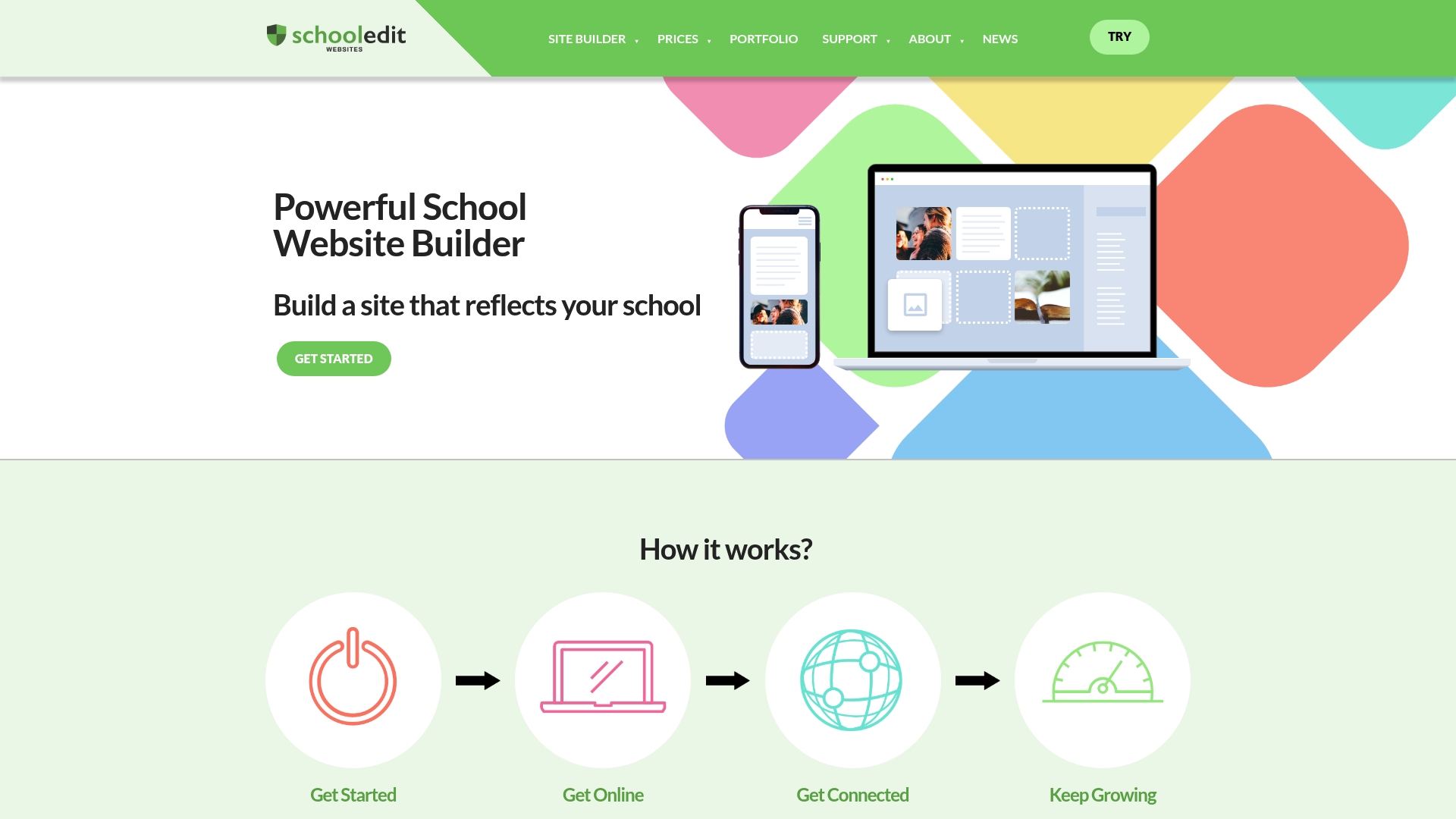
School Edit runs regular Webinars and provides UK-based support and development for school websites. The service bundles a template design builder, forms, a school calendar, and video sharing. Pricing ranges from standard packages to bespoke enterprise plans based on customisation.
Core Features
The product offers a simple page builder that supports unlimited pages and a Design Builder with customisable templates for quick visual edits. It includes Forms for feedback, calendar updates for events, and video sharing for richer content. Mobile friendly design and UK support come with training and ongoing updates.
Key Differentiator
School Edit focuses on the specific needs of UK schools with tools that link site content to OFSTED requirements. Local support and training via webinars reduce reliance on in-house technical staff. The emphasis on school publishing and regulatory clarity sets it apart from general website builders.
Pros
The interface is user friendly and works well for staff with limited technical experience. Feature set targets school communication needs with calendars, forms, and video sharing for parent engagement. UK-based customer support provides direct access to developers and training. Regular updates and a pricing model that includes enterprise plans appeal to multi-academy trusts.
Cons
- Limited information on third party integrations or advanced developer options on the public pages.
- Pricing details are primarily available via website links rather than fixed on the product pages.
- The product targets UK schools and may not fit international governance or publication requirements.
When It May Not Fit
If your trust needs complex custom coding or bespoke plugin ecosystems, this builder may feel restricted. Organisations outside the UK will find the compliance focus less relevant to local rules. Teams that require transparent, fixed pricing on the sales page will need direct conversations with the vendor.
Who It’s For
School Edit fits UK school administrators and communications teams who want an easy to manage website with local support. It suits primary and secondary schools and MATs that must publish statutory information. It works for teams that prefer vendor-led training rather than heavy internal development.
Real World Use Case
A primary school used School Edit to launch a new website for staff and parents. The school published event calendars, forms for consent, and videos of school showcases. The School Edit team delivered training webinars and ongoing support so staff could update content themselves.
Pricing
Pricing is not listed as fixed tiers on the product pages. The vendor offers standard packages and bespoke enterprise plans that add support and consultancy. Visit the site to request a quote and compare package inclusions.
Website: https://schooledit.co.uk
School Spider
At a Glance
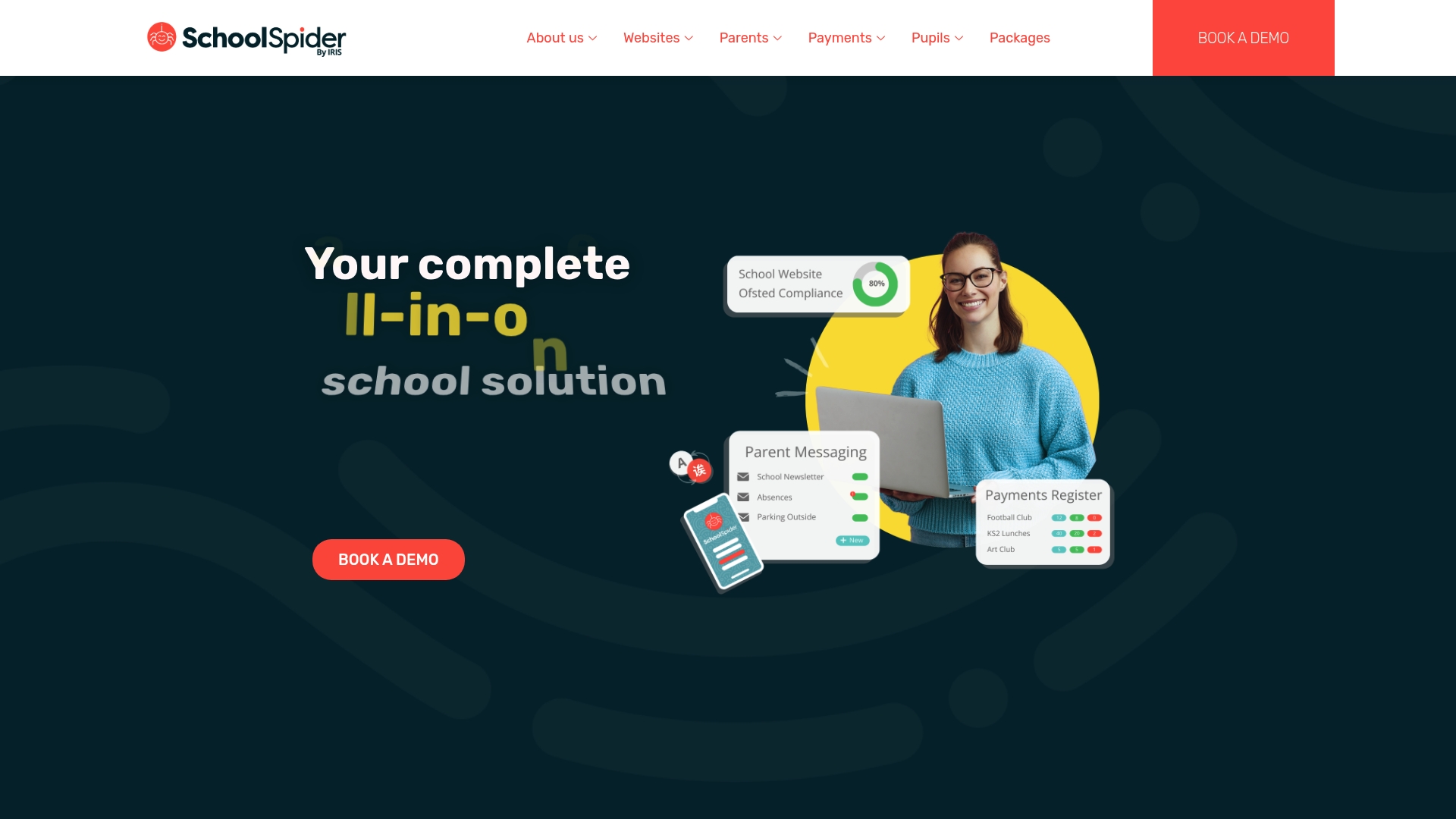
Online booking for lunches, clubs, and events sits alongside website management and payment processing in the same product. That combination means administrative tasks for parent communication, payments, and learning can be handled from one place. For school leaders and IT managers this reduces the number of separate logins and manual handovers between systems.
Core Features
School Spider bundles a parent communication hub with a multi channel approach, an online booking system for events and lunches, and secure online payments. The product also includes customisable school websites and a student learning area with home learning, discussion forums, and blogging tools. These features work together so content and transactional flows live in the same admin console rather than across several vendors.
Key Differentiator
The single most practical advantage is that website, communication, payments, and learning tools all work inside one system. That design reduces the need to copy information between platforms and speeds up routine admin. For trusts managing several schools the shared architecture helps apply consistent branding and messages across sites.
Pros
Independent reviews praise the product for simplicity and clarity of interface, which helps staff adopt the system more quickly. The blend of communication, bookings, payments, and website management improves parent engagement according to reviewers and reduces time spent on routine admin tasks. Customer support receives positive mentions and the vendor supplies support materials that assist IT staff and office teams during rollout and day to day use.
Cons
- Third party reviews show no major limitations, which makes it hard to surface common faults.
- Pricing details are not published openly and require contacting the vendor for package breakdowns and costs.
- As a single, complete system it will require staff training to get the most from its features.
When It May Not Fit
If you need transparent online pricing before supplier meetings this product may slow procurement. If your trust relies on a small number of niche third party apps the single system approach may create extra work to link external tools. Large trusts with heavy custom integration needs should confirm technical compatibility before committing.
Who It’s For
This product suits school leaders, business managers, and IT coordinators in K 12 schools and multi academy trusts who want fewer separate systems. It is a practical choice if you want one supplier to handle website hosting, payments, bookings, and basic online learning. Choose it when ease of use and consolidated administration matter more than bespoke integrations.
Real World Use Case
A primary school used School Spider to move lunch bookings and trip payments online while publishing weekly newsletters on its new site. Office staff spent less time reconciling payments and teachers used the discussion forums to set and review home learning. The result was clearer parent messages and fewer manual procedures.
Pricing
The vendor sells packages such as Core Package, Website Design, and Bookings & Payments Manager. Specific prices and package details are available only after requesting a demo and discussing requirements with the sales team.
Website: https://schoolspider.co.uk
Comparison of alternatives
Among the alternatives reviewed, eSchools stands out for integrating modular website, communication, and learning tools into a unified platform. School Edit Website Builder and School Spider deliver valuable features but target different operational priorities, making the choice between them contingent on specific requirements.
Modular support versus focus-specialised systems
eSchools provides a modular framework enabling schools to customise their solution based on evolving priorities, reducing initial investment while expanding capabilities as needed. This contrasts with School Edit, which excels in UK regulatory site publication and paired training support, and School Spider, which consolidates parent-centric features like payment integration and booking management into a single workflow.
Parental engagement tools
School Spider offers a distinct set of features driven by user-friendly payment and event booking interfaces. These enhance parental involvement and reduce administrative workload, making School Spider a compelling option for schools needing a strongly established mechanism in these areas. While eSchools includes similar functionalities, they are integrated alongside a broader suite notably benefitting multi-purpose users.
Best fit
- Schools seeking a scalable modular platform aligning with evolving compliance demands will find eSchools particularly accommodating.
- Educators requiring parental interaction, especially through consolidated booking and payment processes, could explore School Spider’s features.
- Administrators who focus on regulatory UK-specific content alignment will benefit from School Edit’s paired support and design builder tools.
Our pick
For schools prioritising modular integration adaptable to their needs, eSchools emerges as the preferable choice. Its capacity to unite centralised communication, public content, and learning systems under a singular platform simplifies management and supports gradual incremental adoption. Meanwhile, School Edit and School Spider are well-suited for narrower purposes with their tailored features and established expertise.
Choosing the right platform for school administration and communication is crucial for efficiency and effectiveness. Below is a comparison of prominent options available:
| Product | Key Features | Target Audience | Pricing | Notable Limitation |
|---|---|---|---|---|
| Eschools | Website management, communication, parents evening bookings | Primary and secondary schools in the UK | Primary: £295/year, Secondary: £395/year | Limited advanced custom design options |
| School Edit | Website builder with forms, school calendar, and video sharing | UK schools with emphasis on website management | Price not published | Limited third-party integrations |
| School Spider | Parent communication, online booking, secure payments | K-12 schools and multi-academy trusts | Price not published | Single system requires training for optimal use |
Which challenges with sur.ly alternatives do your school communications face?
Managing multiple platforms for school websites, parent communication, and learning tools can create complexity and inefficiency. eSchools provides a modular platform aimed at school administrators, headteachers, and IT coordinators seeking a straightforward solution that aligns with DfE and Ofsted standards. By uniting website management, communications, and online learning, eSchools reduces the number of suppliers you manage and lowers administrative overhead.
Key benefits include:
- Bespoke school websites designed for easy content updates by non-technical staff
- Communication tools covering email, SMS, and app notifications
- A parents evening booking system that simplifies scheduling and reminders
Visit eSchools to evaluate how their modular system can assist your school or multi-academy trust in improving operational efficiency while maintaining compliance. Arrange a consultation and see how customisable modules can meet your school’s evolving needs.
FAQ
How does Eschools support communication within the school community?
Eschools provides various communication tools that include email, SMS, and app notifications. These features facilitate seamless interactions among staff, parents, and students, contributing to a better-engaged school community. Consider implementing these communication options to enhance your school’s outreach and parental involvement.
What is the difference between School Spider and Eschools?
School Spider excels in integrating online booking for lunches, clubs, and events alongside website management and payment processing. In contrast, Eschools focuses on providing a modular platform that centralises website management and parent communication. Choose Eschools if your primary need is a tailored solution where you can add features gradually as your school’s requirements evolve.
Which platform is better for schools needing extensive support and training?
Eschools offers unlimited training and helpdesk access, which significantly cuts the learning curve for office staff. This extensive support is backed by a strong focus on statutory compliance, ensuring that schools align their records with DfE and Ofsted expectations. Opt for Eschools if your team requires ongoing training to maximise the platform’s effectiveness.
Can I use Eschools if my needs change over time?
Eschools’s modular pricing model allows schools to keep initial costs low while adding modules as needs evolve. This flexibility is beneficial for educational institutions that may expand or change over time. Consider starting with the basic features and gradually adding more as your requirements grow.
What should I consider regarding design options with Eschools?
Eschools provides custom-built websites with flexible design options, but there may be limited advanced custom design features for those seeking highly bespoke websites. This means while you can easily update content, some schools may find the design options less extensive than desired. Evaluate your school’s design requirements before committing to Eschools.